Choose from hundreds of email templates


Create an email campaign
As pessoas adoram PosterMyWall
-
“
It’s an awesome site! Great way to create a really awesome designed poster for your business
 Judy JohnsonEntrepreneur
-
“
I love PosterMyWall, so user friendly. Great application to have for business owners.
Sa DuchiEntrepreneur -
“
PosterMyWall is great! Everyone loves our posters and the printing quality is very professional.
Fabian L.Executive Director


Ler os comentários dos clientes
How to create an email campaign
-
Escolha um modelo de e-mail
Escolha entre milhares de modelos de e-mail concebidos profissionalmente para qualquer empresa, evento ou ocasião.
-
Personalize o seu e-mail com ferramentas fáceis
Adicione o seu logótipo, imagens, vídeos, tipos de letra, autocolantes, clipes de áudio, e muito mais. Utilize kits de marca para designs consistentes e que mantenham a imagem da marca.
-
Pré-visualize o seu e-mail ou transfira o HTML
Transfira o HTML do e-mail gratuitamente ou pré-visualize o seu e-mail no computador, tablet e telemóvel para ver como ficaria em diferentes ecrãs.
-
Publique a sua campanha de e-mails
Adicione uma lista de e-mails e envie o seu e-mail diretamente do PosterMyWall.
Featured email templates for every need


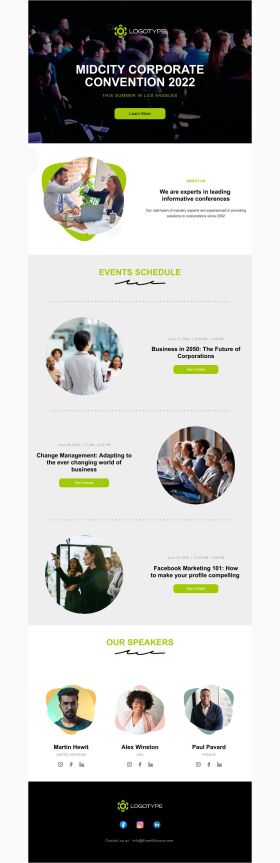


Announcement

Back in Stock

Coming Soon

Daily Specials
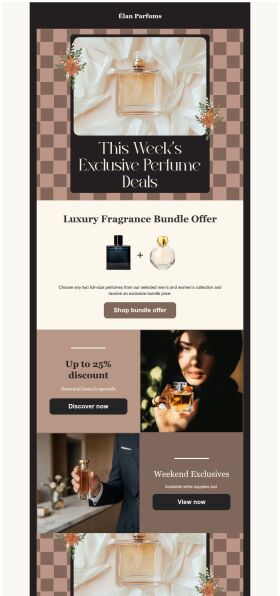
Deals and Bundles
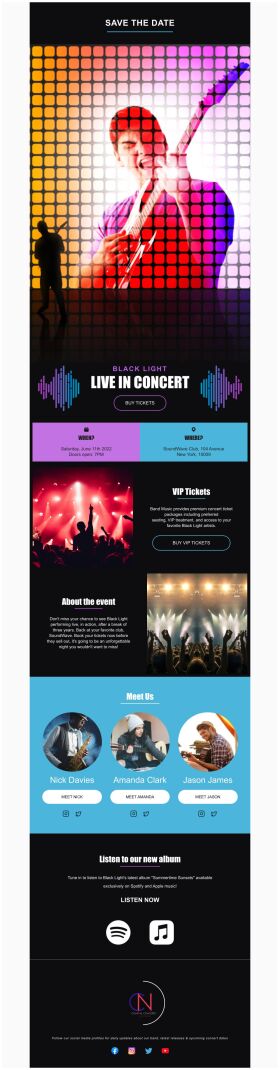
Event Promotion

Event Schedule
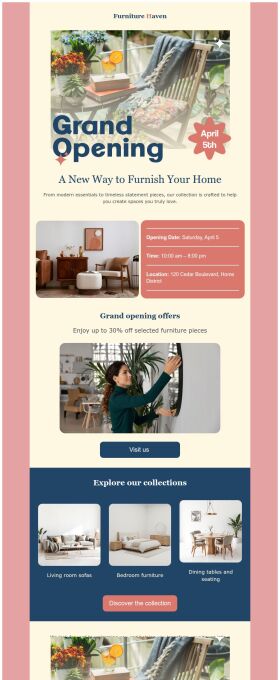
Grand Opening


Perguntas frequentes
How do I create and send my email campaign?
Create an email campaign by customizing an email template from the gallery. Add photos, videos, stickers, buttons, tables, social links, or your own designs from PosterMyWall with our easy-to-use drag-and-drop Email Maker. Free users can export the email in HTML format, and Premium subscribers can publish it directly from PosterMyWall.
How does an email marketing campaign work?
Email marketing campaigns are essential to boost sales, maintain relations with customers and collect feedback. Use our email maker to promote special offers, introduce new products, exclusive brand deals, welcome new customers, and much more.
How to implement email segmentation strategies using an email maker?
To effectively use email maker, first build an email list of potential clients for your business. You can get it through a subscription program or sign-in form on your website. Next, divide your list based on different market segmentations and customize an engaging email campaign targeting each group's needs. Later, track the campaign's performance.
How many people can I send emails to?
You can export your email as an HTML file on the free plan, then send it via your email service provider like Gmail, Hotmail etc. If you’re subscribed to the Premium or Premium Plus plan, you can send 3000 emails and 10,000 emails per month respectively with PosterMyWall’s Email Marketing Platform.